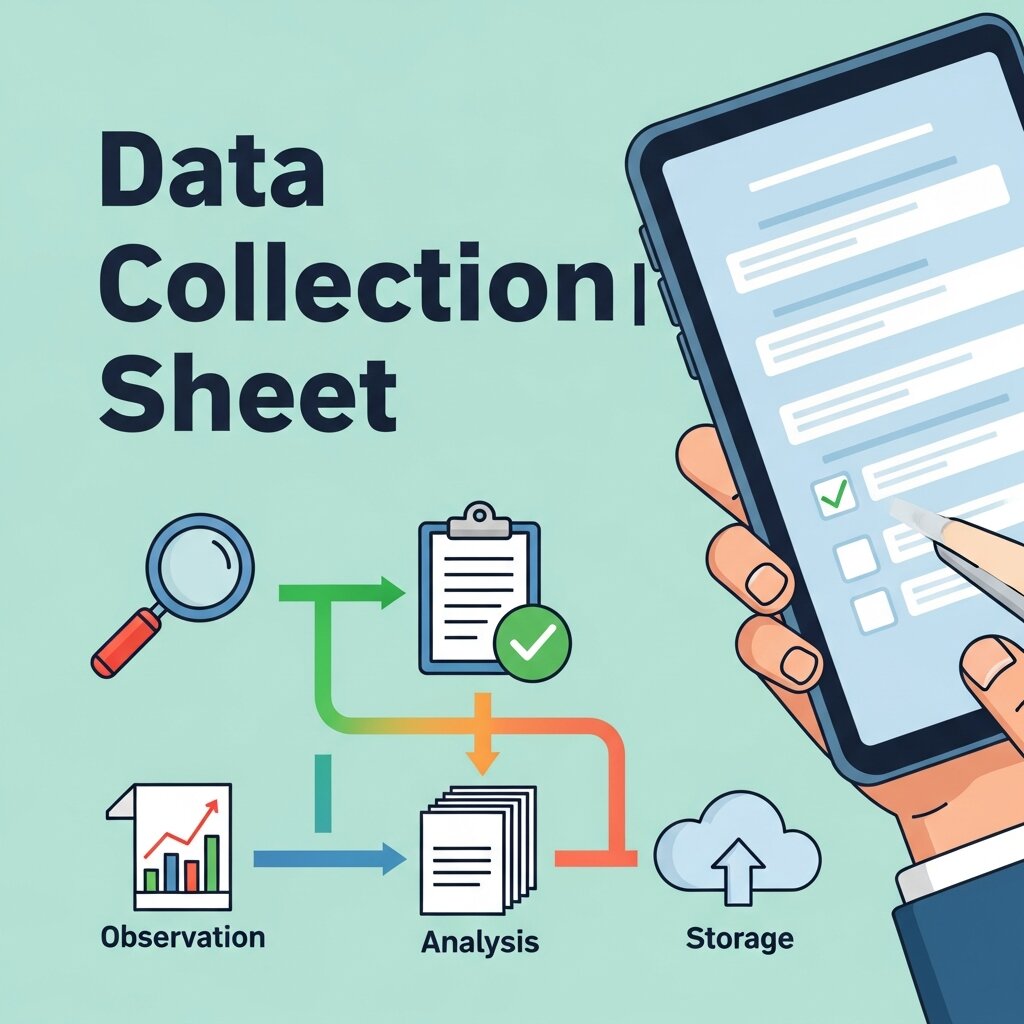
Few things derail a project faster than messy data. You’ve spent weeks gathering information, only to realize halfway through that responses are inconsistent, fields are missing, or nobody filled out the form the same way. Sound familiar?
A well-designed data collection sheet solves this before it starts. It’s the backbone of any serious research effort—whether you’re running a scientific study, managing a business operation, tracking a marketing campaign, or completing a data science minor capstone project. Get it right, and your analysis becomes faster, cleaner, and far more reliable. Get it wrong, and you’re spending hours untangling what should have been straightforward.
This guide walks you through everything you need to build an effective data collection sheet from scratch. We’ll cover how to define your objectives, choose the right structure, handle both quantitative and qualitative data collection, avoid the most common mistakes, and decide when a digital data collection app might serve you better than a spreadsheet. By the end, you’ll have a clear, repeatable process you can apply to virtually any project.
What Is a Data Collection Sheet and Why Does It Matter?
A data collection sheet is a structured document—physical or digital—used to record data systematically during a study, survey, experiment, or operational process. It defines exactly what information gets collected, in what format, and by whom.
The purpose isn’t just organization. A well-designed sheet reduces human error, ensures consistency across multiple data collectors, and makes your analysis significantly easier. When every response follows the same format, sorting, filtering, and drawing conclusions becomes a much smoother process.
Data collection sheets are used across industries—healthcare clinics tracking patient outcomes, manufacturers monitoring quality control, researchers conducting field studies, and marketers measuring campaign performance. The underlying principle is the same regardless of context: standardize how data is captured so that nothing gets lost in translation.
How to Define Your Data Collection Objectives
 Before you design a single field, you need to be clear on what you’re trying to learn.
Start by asking yourself these three questions:
- What specific question am I trying to answer?
- What data do I actually need to answer it?
- How will this data be used or analyzed?
This step seems obvious, but many people skip it and end up collecting far too much—or too little. Defining your objectives upfront helps you stay focused and design a leaner, more effective sheet.
Quantitative vs. Qualitative Data Collection: Knowing the Difference
The type of data you’re collecting should shape how you design your sheet.
Quantitative data is numerical and measurable—think sales figures, response times, temperature readings, or survey scores on a 1–10 scale. These fields are straightforward to design because the data type is consistent and easy to analyze.
Qualitative data collection is more nuanced. It involves non-numerical information: open-ended survey responses, behavioral observations, interview notes, or descriptive feedback. Qualitative fields are harder to standardize but often yield deeper insights. The challenge is designing your sheet to capture this richness without creating chaos during analysis.
For mixed-method projects, your sheet will need to accommodate both. Plan for this early—it’s much harder to retrofit a sheet after data collection has begun.
How to Design Your Data Collection Sheet Step by Step
Step 1: List Every Data Point You Need
Start with a brain dump. Write down every piece of information that might be relevant to your research question. Then ruthlessly cut anything that doesn’t directly serve your objectives.
Each data point you keep should pass a simple test: “If I had this piece of data, would it meaningfully contribute to my final analysis?” If the answer is no, remove it. Overcrowded sheets confuse respondents and data collectors alike, and they generate noise that slows down your analysis.
Step 2: Choose the Right Field Types
The format of each field matters as much as the content. Using the wrong input type creates inconsistent data that’s hard to clean and analyze.
Common field types include:
- Checkboxes and multiple choice: Best for categorical data with known options (e.g., gender, product type, yes/no questions)
- Numeric fields: For counts, measurements, and scores—always specify units (kg, minutes, USD)
- Date and time fields: Standardize the format from the start (DD/MM/YYYY vs. MM/DD/YYYY causes more problems than you’d expect)
- Text fields: For qualitative data collection and open-ended responses—consider setting character limits to keep responses manageable
- Rating scales: Likert scales (1–5 or 1–7) are effective for measuring attitudes and opinions, but keep the scale consistent throughout
Mixing field types without a clear logic makes the sheet harder to fill in and analyze. Match the field type to the nature of the data, not to what’s easiest to design.
Step 3: Organize the Layout Logically
A data collection sheet should flow naturally. Group related fields together, and sequence them in a way that mirrors how data will actually be gathered in the field.
For example, if you’re observing customer behavior in a retail store, start with environmental details (location, time of day, day of week), move to behavioral observations, and end with outcome notes. This mirrors the natural progression of an observation session and reduces the chance that a data collector skips something.
Use clear headers and section labels to separate different parts of the sheet. White space isn’t wasted space—it makes the document easier to read under pressure, especially when someone is filling it out quickly in a field environment.
Step 4: Add Instructions and Validation Rules
Never assume that the people filling out your sheet will interpret fields the same way you intend them. Add brief, clear instructions beside any field that might be ambiguous.
For example, instead of labeling a field simply “Time,” write “Time of arrival (24-hour format, e.g., 14:30).” These micro-instructions take seconds to add but prevent major inconsistencies.
If you’re building a digital sheet, use validation rules to enforce correct input formats. Restrict numeric fields to numbers only, set date pickers instead of free-text date fields, and use dropdown menus for categorical fields. These guardrails make the data cleaner without requiring extra effort from your data collectors.
Step 5: Include a Unique Identifier and Metadata Fields
Every row of data should be traceable. Include a unique identifier for each entry—a record number, participant ID, or case reference—so you can link records across multiple sheets or databases.
You should also capture metadata: who collected the data, when, and under what conditions. This context is invaluable during analysis and often critical for spotting anomalies or systematic errors. It also supports data integrity standards, which matter especially in research, healthcare, and regulated industries.
Step 6: Pilot Test Your Sheet Before Full Deployment
This step is non-negotiable. Run a small pilot using your data collection sheet with a subset of your actual data or a small group of test respondents. Use this test to check:
- Are all fields being filled in correctly and consistently?
- Are any instructions unclear or missing?
- Are there any fields being left blank that shouldn’t be?
- Does the layout work in the actual conditions of data collection (in the field, on a tablet, etc.)?
Revise based on what you find. A brief pilot phase saves enormous amounts of time during the analysis stage.
When to Use a Data Collection App Instead of a Spreadsheet
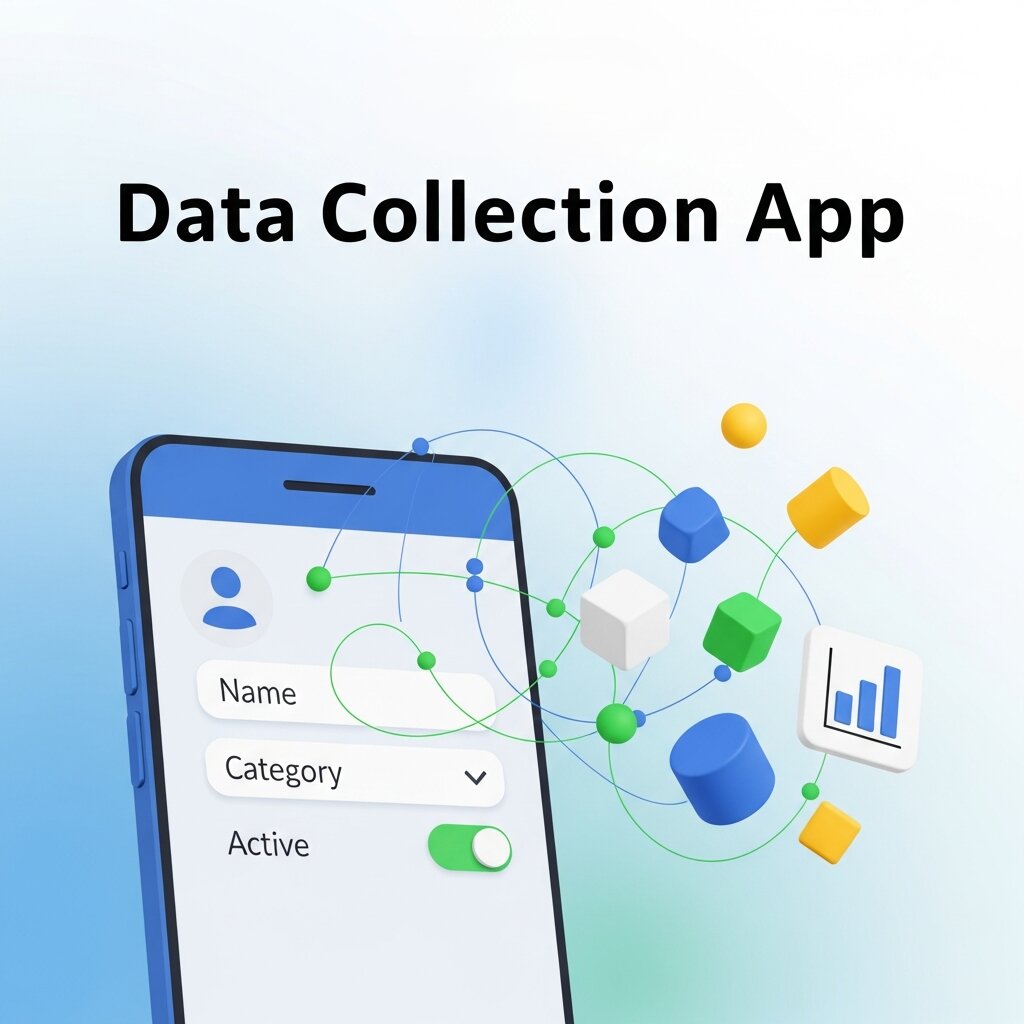 Paper and spreadsheet-based sheets have their place, but a dedicated data collection app often delivers better results—especially for larger or more complex projects.
Apps like KoboToolbox, Google Forms, Microsoft Forms, or REDCap offer features that static spreadsheets simply can’t match: real-time data entry, skip logic (which hides irrelevant fields based on previous answers), automatic validation, GPS tagging, photo uploads, and instant data aggregation.
For field researchers, a data collection app eliminates the transcription step entirely. Data enters the system at the point of collection, reducing errors and accelerating the analysis timeline.
That said, apps require setup time and sometimes a learning curve. For simple, short-term projects or environments with no reliable internet access, a well-designed paper sheet or spreadsheet remains a practical and reliable choice.
Consider the scale and complexity of your project, your team’s technical comfort level, and your analysis needs before deciding which format to use.
Common Data Collection Sheet Mistakes to Avoid
Even experienced researchers make avoidable errors. Here are the most common ones:
Leading or ambiguous questions: If you’re collecting qualitative data through a survey, question wording directly affects responses. Write neutral, specific questions that don’t nudge respondents toward a particular answer.
Inconsistent category options: If a field offers “Male,” “Female,” and “M” as options in different rows, your analysis will break down. Standardize every categorical option before deployment.
No version control: If you update your sheet mid-project, old and new data may not be compatible. Always version-control your sheets and document any changes made during the project.
Collecting data “just in case”: Every additional field adds cognitive load for respondents and clutter for analysts. Only collect what you need.
Skipping the review process: Have someone who wasn’t involved in the design review the sheet before pilot testing. A fresh pair of eyes will catch assumptions and ambiguities you’ve stopped seeing.
Digital vs. Manual Data Collection: Choosing the Right Approach
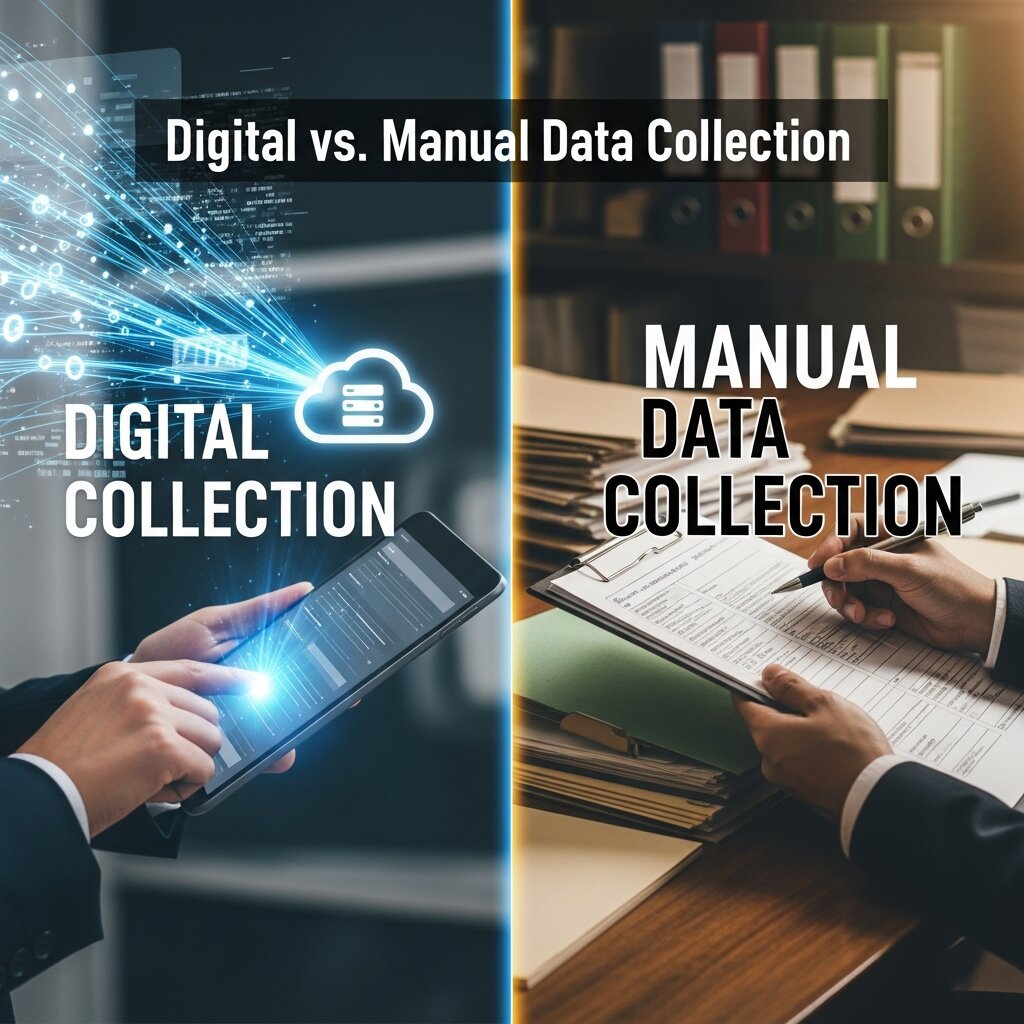 Not every project requires advanced tools, and not every situation can rely on paper forms. Choosing between digital and manual data collection depends on your goals, resources, and environment.
Manual methods—such as printed sheets or handwritten forms—are simple, low-cost, and work well in offline environments. They are especially useful in fieldwork situations where internet access is unreliable. However, they require later data entry, which increases the risk of human error and slows down analysis.
Digital data collection, on the other hand, offers speed and automation. Tools like Google Forms, Excel sheets, and specialized platforms allow real-time validation, automatic organization, and instant data storage. This reduces duplication errors and makes large-scale data handling much more efficient.
The best choice often depends on scale: small projects may function perfectly with manual sheets, while larger or ongoing studies benefit significantly from digital systems.
Data Quality Assurance: Keeping Your Data Clean and Reliable
Even a perfectly designed data collection sheet can fail if data quality is not maintained during the collection process. That’s why quality assurance should be built into every stage of your workflow.
Start by setting clear guidelines for data collectors. Everyone involved should understand how to interpret fields, record responses, and handle unusual cases. Consistency across collectors is essential for reliable results.
Next, implement regular checks during data collection. Spot-checking entries, reviewing samples, and identifying missing or inconsistent data early helps prevent larger issues later in the analysis phase.
Finally, after collection, perform a structured data cleaning process. This includes removing duplicates, correcting formatting issues, and handling missing values. A clean dataset ensures that your final insights are accurate, trustworthy, and actionable.
FAQ: Data Collection Sheet
1. What is a data collection sheet?
A data collection sheet is a structured tool—either paper-based or digital—used to systematically record information during research, surveys, experiments, or operational tasks.
2. Why is a data collection sheet important?
It ensures consistency, reduces human error, and organizes data in a way that makes analysis faster, easier, and more reliable.
3. What types of data can be included in a data collection sheet?
It can include both quantitative data (numbers, measurements, ratings) and qualitative data (opinions, descriptions, open-ended responses).
4. What are common formats of data collection sheets?
They can be created using spreadsheets (like Excel or Google Sheets), paper forms, or digital tools like Google Forms, KoboToolbox, and REDCap.
5. What is the difference between qualitative and quantitative data collection?
Quantitative data is numerical and measurable, while qualitative data focuses on descriptive, non-numerical information such as feedback or observations.
6. How do you design an effective data collection sheet?
Start by defining objectives, selecting necessary data points, choosing appropriate field types, organizing layout logically, and testing the sheet before use.
7. What are common mistakes in data collection sheets?
Common mistakes include unclear questions, inconsistent formats, collecting unnecessary data, and skipping pilot testing before deployment.
8. What is a unique identifier in a data collection sheet?
It is a special ID assigned to each record to track and manage data entries without confusion or duplication.
9. Why is pilot testing important?
Pilot testing helps identify errors, unclear instructions, or missing fields before full-scale data collection begins.
10. When should you use a data collection app instead of a spreadsheet?
Use an app when you need real-time data entry, automation, validation rules, or when handling large and complex datasets.
Build Once, Use Everywhere
The real value of a strong data collection sheet design is that it’s repeatable. Once you’ve built and tested a template for a particular type of project—customer surveys, quality control checks, field research observations—you can adapt it with minimal effort for the next similar initiative.
Document your design decisions as you go. Note why you chose certain field types, what the pilot test revealed, and how you addressed any issues. This institutional knowledge compounds over time and makes every future data collection effort faster and more reliable.