Information drives every major decision modern organizations make. Leaders rely on accurate, timely information to understand customer preferences, optimize supply chains, and develop innovative products. However, gathering this information efficiently requires more than just a passing interest in metrics. Organizations must deploy the right systems to capture, organize, and analyze information without overwhelming their teams or compromising accuracy.
Selecting a capable data collection tool transforms raw inputs into actionable strategies. Without a structured approach, companies risk drowning in disorganized metrics or, worse, making critical choices based on flawed insights. A robust platform ensures that every survey response, user click, and operational metric is captured accurately and stored securely.
This guide explores the diverse landscape of platforms available for surveys, academic research, and business analytics. You will learn how to identify the specific features your team needs, compare top-rated software options, and understand the core methodologies behind effective information gathering. By the end of this post, you will have the knowledge required to select a platform that perfectly aligns with your organizational goals.
The Evolution of Information Gathering
 The way we gather information has drastically changed over the last few decades. Historically, researchers and business analysts relied heavily on the traditional data collection sheet. This manual method involved paper forms, clipboards, and hours of tedious data entry. While a physical data collection sheet was useful for small-scale projects, it presented massive challenges for larger organizations. Manual entry is notoriously prone to human error, and storing thousands of physical documents creates logistical nightmares.
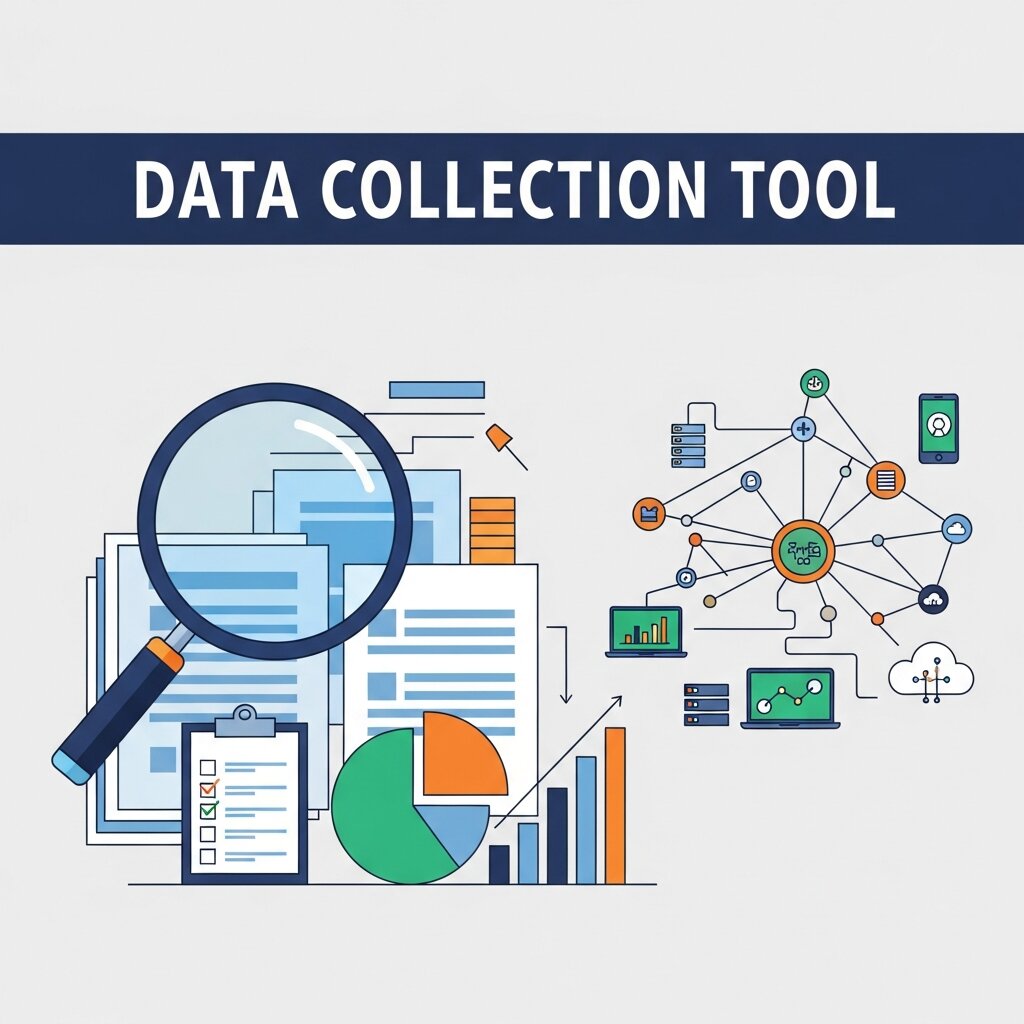
Today, digital platforms have completely replaced these outdated methods. A modern data collection tool automates the entire process, capturing inputs instantly and storing them in secure, centralized databases. This digital transformation allows researchers and business leaders to scale their efforts infinitely. Whether you are gathering feedback from ten local customers or tracking the behavior of a million global website visitors, software solutions handle the load effortlessly.
The transition to digital tools also introduced advanced validation techniques. Modern software can instantly detect missing fields, incorrect email formats, and contradictory answers before a user even submits their response. This immediate validation guarantees high-quality inputs, saving analysts countless hours of backend cleaning and formatting.
Core Methodologies for Gathering Insights
Before choosing a specific platform, teams must understand the methodologies that dictate their software requirements. Information gathering generally falls into two primary categories: quantitative and qualitative.
Quantitative research focuses on numbers and rigid metrics. It involves multiple-choice surveys, transaction histories, and website traffic statistics. The primary goal is to gather numerical inputs that can be subjected to statistical analysis. Platforms designed for quantitative work excel at processing massive volumes of structured inputs and generating visual charts.
Qualitative research, conversely, seeks to understand the “why” behind user behavior. It involves open-ended survey responses, interview transcripts, and focus group notes. Qualitative insights provide depth and context that numbers alone cannot deliver. Tools designed for this methodology offer features like text analysis, sentiment tracking, and keyword tagging.
Most organizations require a blended approach. A comprehensive data collection tool should be able to handle both multiple-choice metrics and long-form text responses, giving your team a holistic view of your target audience.
Key Features to Look for in a Platform
With thousands of software options on the market, narrowing down your choices can feel overwhelming. Evaluating platforms against a strict set of core features ensures you select a solution that meets your long-term needs.
Seamless Mobile Data Collection
People spend a significant portion of their day on smartphones and tablets. Therefore, mobile data collection is no longer an optional feature; it is an absolute necessity. Your chosen platform must provide a flawless mobile experience for both the people designing the forms and the people filling them out.
For respondents, surveys must scale perfectly to small screens, feature large, easily clickable buttons, and load quickly over cellular networks. For field researchers, mobile data collection capabilities allow them to gather inputs offline in remote areas, automatically syncing the files once an internet connection is restored.
Advanced Security and Compliance
When you gather information from customers, employees, or research subjects, you take on a massive responsibility. Data breaches destroy brand trust and invite catastrophic legal penalties. Any software you deploy must prioritize security at every level.
Look for platforms offering end-to-end encryption, role-based access controls, and strict compliance with global privacy regulations like GDPR and CCPA. If you operate in the healthcare sector, HIPAA compliance is absolutely mandatory. Never compromise on security protocols when evaluating potential software partners.
Extensive Integration Capabilities
A data collection tool rarely operates in isolation. It must communicate seamlessly with the other software applications your organization uses daily. Before committing to a platform, verify its integration capabilities.
Your collection software should connect directly to your Customer Relationship Management (CRM) system, allowing survey responses to update customer profiles automatically. It should integrate with marketing automation tools, accounting software, and internal communication platforms like Slack or Microsoft Teams. These integrations eliminate workflow bottlenecks and prevent information from becoming trapped in isolated silos.
User-Friendly Interfaces
Complex software that requires weeks of intensive training will face low adoption rates among your staff. The most powerful platform in the world is useless if your team refuses to use it. Prioritize user-friendly interfaces with intuitive, drag-and-drop builders.
Your marketing and customer service teams should be able to launch a new survey within minutes, without requesting assistance from the IT department. Request free trials or live demonstrations to test the usability of a platform before signing a long-term contract.
Top Platforms for Surveys and Research
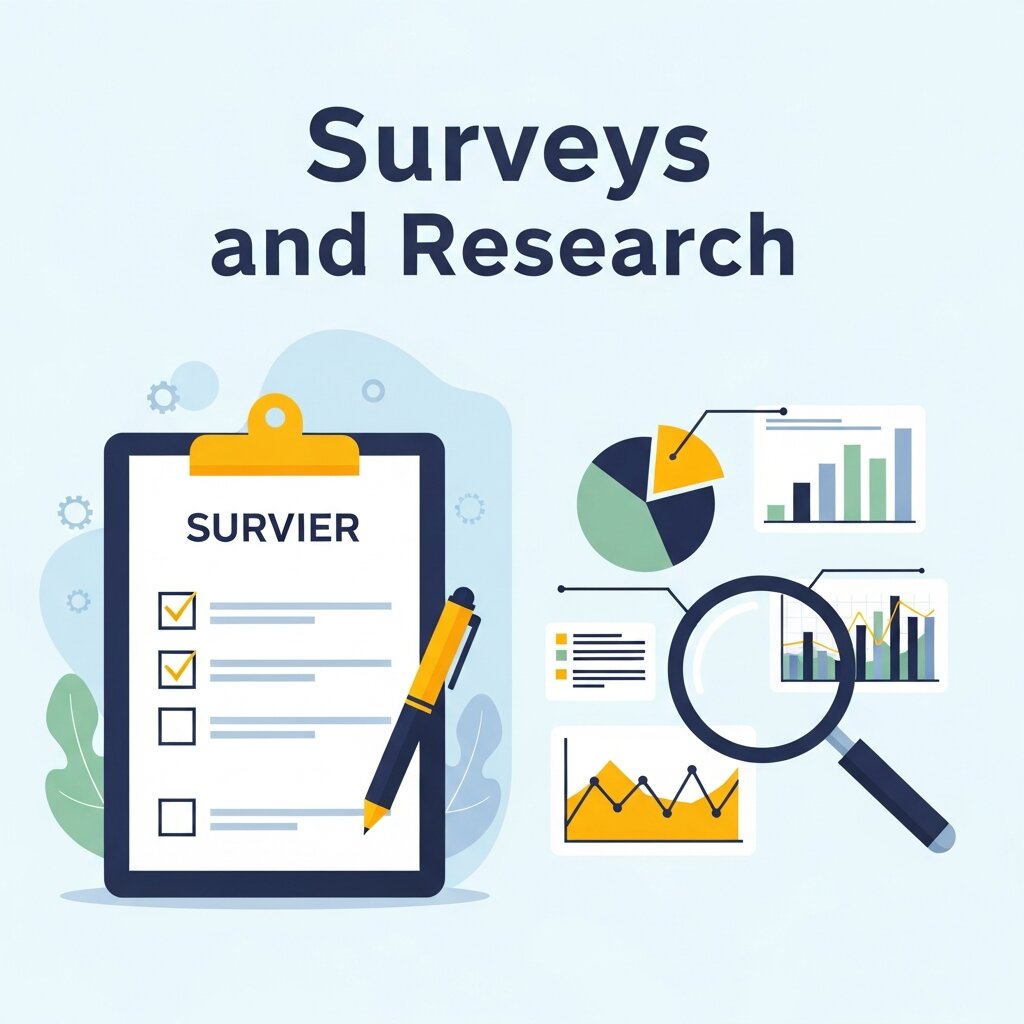 Different platforms cater to different specific use cases. The following software solutions represent the best options for general surveys, customer feedback, and academic research.
SurveyMonkey
SurveyMonkey remains one of the most recognizable names in the industry. It caters primarily to small and medium-sized businesses looking for a straightforward, reliable way to gather customer and employee feedback. The platform offers thousands of pre-built templates, making it incredibly easy to launch a campaign quickly.
While the free version is quite limited, the paid tiers offer robust analytics, conditional logic, and extensive integration options. It is an excellent starting point for organizations that need a highly accessible tool without a steep learning curve.
Qualtrics
Qualtrics represents the enterprise tier of research software. It is a phenomenally powerful data collection tool favored by large corporations and major academic institutions. Qualtrics goes far beyond simple surveys, offering comprehensive experience management for customers, employees, products, and brands.
The platform utilizes advanced artificial intelligence to analyze text responses, uncover hidden trends, and predict future consumer behaviors. Because of its incredible depth and complexity, Qualtrics represents a significant financial investment and requires dedicated training to master fully.
Typeform
Typeform differentiates itself through exceptional design and user experience. Instead of displaying a massive list of questions on a single page, Typeform presents one question at a time. This conversational approach feels less like an interrogation and more like a natural interaction, leading to significantly higher completion rates.
Typeform is ideal for brands that prioritize aesthetics and customer experience. It integrates well with modern marketing stacks and works flawlessly on mobile devices, making it a favorite among digital-first organizations.
Google Forms
For startups, small teams, and budget-conscious organizations, Google Forms provides a highly functional, entirely free solution. It integrates natively with the rest of the Google Workspace ecosystem, automatically depositing survey responses into neatly organized Google Sheets.
While it lacks the advanced conditional logic and complex analytical features of premium software, Google Forms is incredibly reliable and completely frictionless. Anyone with a Google account can build and distribute a form in a matter of minutes.
Top Platforms for Business Analytics
Surveys only tell part of the story. To truly understand organizational performance, businesses must collect and analyze operational metrics, website traffic, and financial records. These massive datasets require specialized analytics platforms.
Tableau
Tableau is a visual analytics platform transforming the way businesses use data to solve problems. It connects to almost any database or spreadsheet, allowing analysts to create interactive, shareable dashboards.
Tableau excels at turning millions of rows of boring metrics into beautiful, easily digestible visual charts. It empowers leaders to spot operational bottlenecks, identify sales trends, and make rapid, informed decisions based on real-time information.
Microsoft Power BI
Microsoft Power BI serves a very similar function to Tableau but is deeply integrated into the Microsoft enterprise ecosystem. It allows organizations to connect disparate sources, clean the inputs, and build incredibly detailed interactive reports.
Power BI is particularly attractive for companies already utilizing Microsoft Azure and Office 365, as the integration is seamless and highly secure. It offers powerful AI capabilities that allow users to ask questions about their metrics using natural conversational language.
Building Internal Expertise
 Acquiring a high-end data collection tool is only the first step. Organizations must also cultivate the internal talent necessary to interpret the information these platforms generate. Having access to millions of data points means nothing if your team lacks the analytical skills to find the narrative hidden within the numbers.
Many successful companies actively recruit individuals with specialized academic backgrounds to manage their analytics software. Hiring candidates who hold a data science minor or a similar credential provides teams with a massive advantage. These individuals understand statistical modeling, algorithm design, and proper research methodology. They know how to structure a database, clean messy inputs, and prevent internal biases from corrupting the final analysis.
Even if you do not have dedicated scientists on staff, investing in basic analytical training for your marketing, sales, and operations teams yields an incredible return on investment. When every department understands how to properly collect and interpret metrics, the entire organization moves forward with strategic precision.
FAQ Section
1. What is a data collection tool?
A data collection tool is a digital platform used to gather, store, and analyze information from users or systems. It helps organizations convert raw data into structured insights for better decision-making and strategic planning.
2. Why use digital tools instead of traditional data collection sheets?
Digital tools are faster, more accurate, and scalable compared to manual sheets. They reduce human error, automate data entry, and allow real-time storage and analysis, making large-scale data collection much more efficient and reliable.
3. What is the difference between quantitative and qualitative research?
Quantitative research focuses on numerical data like statistics and metrics, while qualitative research explores opinions, experiences, and reasons behind behavior. Both are often combined to provide a complete understanding of users or markets.
4. What features should a good data collection tool have?
A good tool should include mobile compatibility, strong security, integration with other software, real-time analytics, and an easy-to-use interface. These features ensure smooth data collection, accuracy, and better productivity for teams.
5. Why is mobile data collection important?
Mobile data collection allows users to gather information anytime and anywhere, even offline. It improves accessibility, speeds up field research, and ensures better response rates by supporting smartphones and tablets effectively.
6. Which are popular data collection tools?
Popular tools include SurveyMonkey, Qualtrics, Typeform, and Google Forms. These platforms offer features for surveys, feedback collection, and analytics, catering to businesses of all sizes with different levels of complexity and customization.
7. What tools are used for business analytics?
Tools like Tableau and Microsoft Power BI are widely used for business analytics. They help visualize large datasets, create dashboards, and generate insights that support strategic business decisions and performance tracking.
8. Can data collection tools integrate with other software?
Yes, most modern data collection tools integrate with CRM systems, marketing platforms, and communication tools. This integration improves workflow efficiency and ensures data flows smoothly across different business systems without duplication.
9. Which data collection tool is best for small businesses?
For small businesses, Google Forms and SurveyMonkey are ideal due to their simplicity, affordability, and ease of use. They allow quick survey creation and basic analytics without requiring advanced technical knowledge.
10. What is the main benefit of using data collection tools?
The main benefit is turning raw data into actionable insights quickly and accurately. These tools improve decision-making, reduce manual effort, enhance data quality, and help organizations scale their operations efficiently.
Taking Action on Your Data Strategy
Selecting the proper software sets the foundation for your entire organizational strategy. You must audit your current processes, identify your biggest information gaps, and evaluate how different platforms align with your specific goals.
Start by outlining exactly what kind of information you need to capture. Determine whether your focus leans heavily toward qualitative customer feedback or quantitative operational metrics. Evaluate the technical proficiency of your team and establish a realistic budget. Once you have defined these parameters, leverage free trials and pilot programs to test your shortlisted software options in a real-world environment.