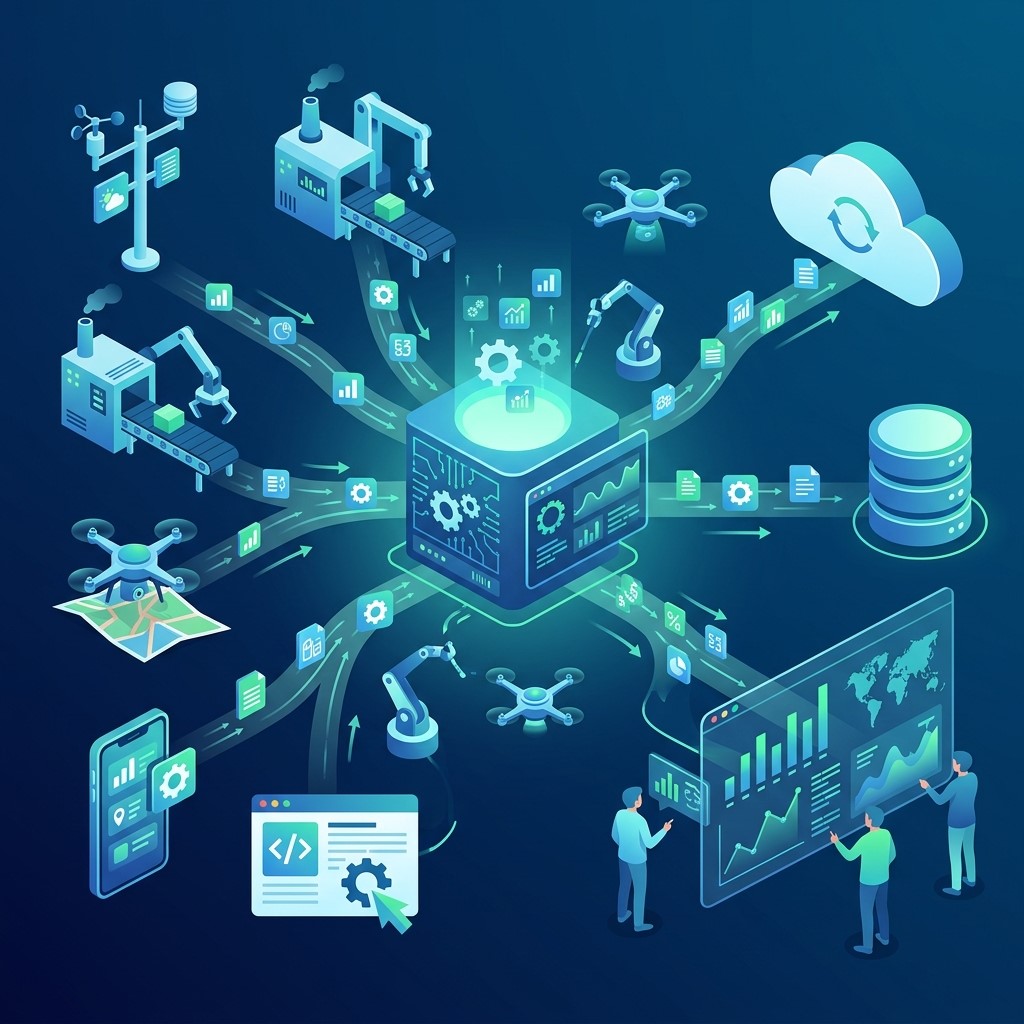
Data collection automation helps businesses gather, organize, and process information with less manual effort. As organizations grow, the amount of data generated from customers, employees, transactions, surveys, websites, applications, and digital platforms can increase rapidly. Managing this information manually can consume valuable time, create errors, and make it difficult for teams to respond quickly. Automated data collection systems provide a more efficient way to capture information and make it available for analysis.
What Is Data Collection Automation?
Data collection automation is the use of software, digital tools, integrations, and predefined workflows to gather information automatically. Instead of relying entirely on employees to enter and organize data manually, automated systems collect information from selected sources and transfer it into appropriate databases or platforms.
Automating Information Gathering
Automated systems can collect information from websites, forms, applications, sensors, customer platforms, and other digital sources. This reduces repetitive manual entry and allows organizations to gather larger amounts of information more efficiently.
Connecting Data Sources
Businesses often use multiple platforms to manage operations. Automation can connect these sources so information moves between systems without requiring employees to repeatedly copy and paste records.
Creating Structured Data
Automated collection processes can organize information according to predefined fields and rules. Structured data makes it easier for businesses to search, analyze, compare, and report information across different departments.
Why Data Collection Automation Matters for Business Growth
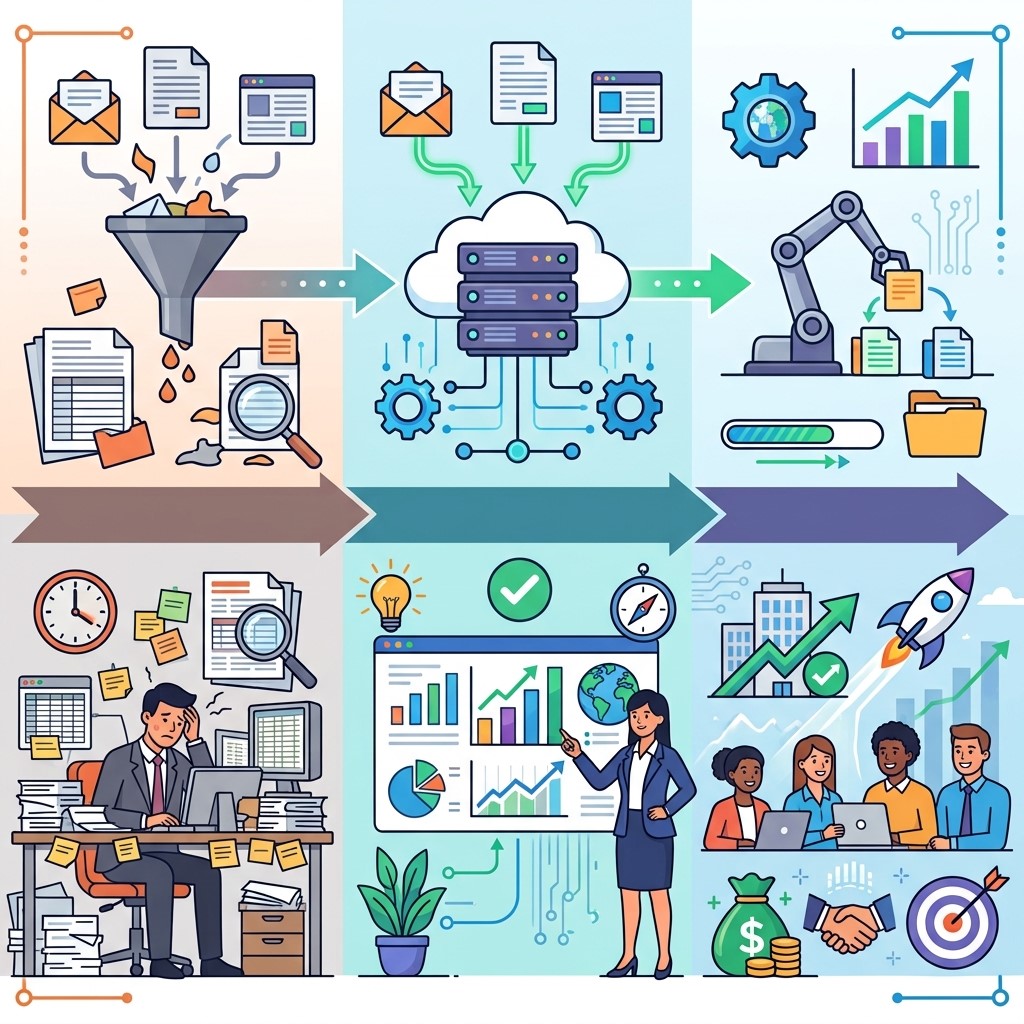 As businesses scale, manual processes become harder to maintain. More customers, transactions, employees, and interactions create larger volumes of information that require efficient management.
Reducing Manual Work
Employees can spend significant amounts of time collecting information from emails, forms, spreadsheets, and other sources. Automation reduces repetitive tasks and allows employees to focus on analysis, customer service, strategy, and other higher-value responsibilities.
Improving Operational Efficiency
Automated data workflows can collect and transfer information faster than many manual processes. Faster information flow helps teams complete tasks more efficiently and reduces delays between data generation and business action.
Supporting Scalable Operations
A manual process that works for a small customer base may become inefficient as the organization grows. Automated systems can handle increasing data volumes without requiring the same level of manual effort.
The Role of Electronic Data Collection
Electronic data collection allows businesses to capture information digitally instead of relying on paper-based processes. It is widely used in business operations, research, healthcare, education, marketing, customer service, and many other environments.
Collecting Information Digitally
Online forms, mobile applications, web forms, digital questionnaires, and business systems can collect information electronically. Digital collection eliminates many steps associated with paper records and manual transcription.
Improving Data Accessibility
Electronic records can be stored in centralized systems and accessed by authorized employees. This makes it easier for teams to retrieve information when needed and reduces dependence on physical documents.
Reducing Paper-Based Errors
Manual transcription from paper documents can introduce errors. Electronic collection allows information to enter digital systems directly, reducing unnecessary transcription and improving consistency.
How Data Collection Automation Improves Accuracy
Data accuracy is essential for effective decision-making. Incorrect or incomplete information can lead to poor analysis, customer service problems, reporting issues, and inefficient business decisions.
Standardizing Data Entry
Automation can establish predefined fields, formats, and validation rules. Standardization helps ensure that information is collected consistently across different forms, platforms, users, and departments.
Validating Information Automatically
Automated systems can identify missing fields, invalid formats, duplicate records, and other common problems. Early validation helps businesses maintain cleaner datasets and reduces the need for extensive manual correction.
Reducing Human Errors
Employees can make mistakes when entering large volumes of information repeatedly. Automation reduces repetitive manual entry and can therefore lower the likelihood of common data-entry errors.
Data Collection Automation for Customer Data
 Customer data collection is especially important for businesses that want to understand their audiences and improve customer experiences. Automation can gather relevant information throughout different stages of the customer journey.
Capturing Customer Information
Businesses can automatically collect information through registration forms, purchases, subscriptions, inquiries, feedback forms, and digital interactions. This creates a more organized process for managing customer records.
Understanding Customer Behavior
Automated systems can collect information about customer interactions, preferences, purchases, and engagement. Businesses can analyze these patterns to understand what customers need and how they interact with products or services.
Supporting Personalization
Accurate customer data can support more relevant marketing, recommendations, and communications. Automation makes it easier to maintain updated customer information as new interactions occur.
Automating Survey Data Collection
Survey data collection can provide valuable insights into customer satisfaction, employee opinions, market preferences, and research questions. Automation makes the survey process faster and easier to manage.
Distributing Surveys Automatically
Businesses can send surveys through email, websites, applications, or other digital channels. Automated distribution allows organizations to reach targeted audiences without manually sending every survey invitation.
Collecting Responses Efficiently
Survey responses can be captured directly into digital systems. This eliminates the need to manually transfer answers from paper documents or separate files into analysis platforms.
Organizing Survey Results
Automated survey platforms can organize responses according to predefined categories. This makes it easier to identify trends, compare responses, and generate reports for decision-makers.
How Automation Supports Real-Time Data
Traditional data collection processes may create delays between when information is generated and when it becomes available for analysis. Automation can reduce these delays and provide faster access to important information.
Capturing Data Immediately
Digital systems can collect information as customers, employees, or other users interact with a platform. Immediate collection helps organizations maintain more current records.
Supporting Faster Reporting
When data automatically enters centralized systems, reports can be updated more quickly. Managers can access recent information without waiting for employees to manually consolidate multiple spreadsheets or documents.
Enabling Faster Responses
Timely data allows businesses to react more quickly to customer needs, operational problems, market changes, and other opportunities. Faster responses can improve competitiveness and customer satisfaction.
Data Collection Automation and Business Analytics
Automated collection creates a stronger foundation for analytics because teams can access more structured and consistent information.
Building Reliable Datasets
Analytics depends on accurate information. Automated collection can help businesses establish consistent processes for gathering data from different sources, improving the quality of datasets used for analysis.
Supporting Business Intelligence
Business intelligence tools can analyze collected information and display it through dashboards, charts, and reports. Automation ensures that relevant information can flow into these systems more efficiently.
Identifying Business Trends
Large datasets can reveal customer preferences, sales patterns, operational changes, and market trends. Automated collection allows businesses to gather information continuously and identify patterns over time.
How Data Collection Automation Supports Decision-Making
Good decisions require reliable information. Automated data collection gives decision-makers access to more consistent and timely information.
Replacing Guesswork With Evidence
Businesses can use collected data to evaluate customer behavior, operational performance, marketing outcomes, and sales trends. This provides evidence that can support strategic decisions instead of relying only on assumptions.
Improving Forecasting
Historical data can help businesses understand patterns and estimate future demand. Automated collection ensures that new information continues to enter datasets that support forecasting and planning.
Supporting Strategic Planning
Managers can use reliable data to evaluate current performance and identify areas for investment or improvement. This helps organizations align resources with measurable opportunities.
How Data Collection Automation Reduces Costs
Business growth often requires organizations to control costs while increasing productivity. Automation can help reduce unnecessary labor and administrative expenses associated with repetitive information management.
Saving Employee Time
Employees can spend less time copying information, organizing spreadsheets, entering survey responses, and updating records. The time saved can be redirected toward tasks that contribute more directly to business growth.
Reducing Administrative Work
Automated workflows can handle repetitive data-processing activities. This reduces the administrative burden on teams and creates more efficient internal processes.
Preventing Costly Errors
Incorrect information can create financial and operational problems. Better validation and standardized collection can reduce errors that might otherwise require additional time and resources to correct.
Integrating Data Collection Automation With Business Systems
Automation becomes more valuable when it connects with other business applications. Integrated systems can create a continuous flow of information throughout the organization.
Connecting CRM Platforms
Customer information collected through websites, forms, and other channels can be transferred into customer relationship management platforms. This helps sales and service teams access updated customer records.
Connecting Marketing Systems
Lead and engagement information can automatically move between collection platforms and marketing systems. This supports audience segmentation, campaign management, and personalized communication.
Connecting Analytics Platforms
Automated data pipelines can transfer information into analytics and business intelligence platforms. This allows teams to evaluate performance using more current and comprehensive datasets.
Common Challenges of Data Collection Automation
Although automation provides many advantages, businesses should carefully plan implementation. Poorly designed systems can create new problems rather than solving existing ones.
Poor Data Quality
Automation does not automatically guarantee accurate information. If source data is incomplete or incorrect, the automated system may continue collecting poor-quality information at scale.
Integration Problems
Different business platforms may use different formats and technologies. Connecting them may require APIs, middleware, custom development, or specialized integration tools.
Privacy and Security Risks
Customer and business data must be handled responsibly. Organizations should use appropriate access controls, security measures, data policies, and retention practices to protect collected information.
Lack of Employee Training
Employees need to understand how automated systems work and how they should handle exceptions. Proper training can improve adoption and help teams respond when automated workflows encounter problems.
Best Practices for Data Collection Automation
 A thoughtful implementation strategy can help businesses gain more value from automation while reducing operational risks.
Define Clear Data Requirements
Before automating collection, businesses should identify what information they actually need. Collecting unnecessary data can increase complexity, storage requirements, and privacy concerns.
Establish Validation Rules
Businesses should create rules for required fields, acceptable formats, duplicate records, and other quality requirements. These controls help maintain reliable information throughout the collection process.
Protect Sensitive Information
Data collection systems should use appropriate security controls. Access should be limited to authorized users, and organizations should establish clear procedures for protecting and managing important information.
Monitor Automated Workflows
Automation should be monitored regularly to ensure that information is being collected correctly. Businesses should review errors, failed integrations, missing records, and unusual changes in data volume.
Measuring the Success of Data Collection Automation
Businesses should evaluate whether automation is producing meaningful improvements. Measuring outcomes helps organizations identify weaknesses and calculate the value of their technology investments.
Tracking Time Savings
Businesses can compare the amount of employee time spent on data collection before and after automation. Significant reductions in manual work can demonstrate operational efficiency.
Measuring Data Accuracy
Organizations can monitor error rates, duplicate records, incomplete fields, and validation failures. Improvements in data quality can indicate that automated processes are working effectively.
Evaluating Processing Speed
Businesses can measure how quickly information moves from collection to storage, reporting, or action. Faster processing can improve operational responsiveness and decision-making.
The Future of Data Collection Automation
Data collection technology will continue evolving as artificial intelligence, cloud computing, connected devices, and advanced analytics become more widely adopted.
AI-Assisted Data Processing
Artificial intelligence can help classify information, identify patterns, detect anomalies, and organize unstructured data. Combining AI with automated collection can make large datasets more useful for business analysis.
Connected Data Ecosystems
Businesses are increasingly connecting websites, applications, CRM systems, analytics platforms, customer service tools, and other technologies. Integrated ecosystems can create continuous flows of information across departments.
Smarter Automated Workflows
Future systems will increasingly respond to data in real time. Instead of simply collecting information, automated platforms may analyze incoming data and trigger actions based on predefined conditions or intelligent recommendations.
Frequently Asked Questions
What is data collection automation?
Data collection automation uses software and digital workflows to gather information automatically from sources such as websites, forms, applications, customer interactions, surveys, and connected business systems.
Why is data collection automation important?
It helps businesses reduce manual work, improve data accuracy, speed up information processing, lower administrative costs, and manage increasing amounts of information more efficiently as the organization grows.
What is electronic data collection?
Electronic data collection involves gathering information digitally through online forms, applications, questionnaires, websites, devices, and business platforms instead of relying primarily on paper-based collection methods.
How does automated survey data collection work?
Automated survey systems distribute questionnaires through digital channels and collect responses directly into databases or analytics platforms. This reduces manual entry and makes survey results easier to organize and analyze.
What is customer data collection?
Customer data collection involves gathering information about customers through interactions such as registrations, purchases, inquiries, surveys, subscriptions, and website activity to support business analysis and customer experiences.
Can data collection automation improve accuracy?
Yes. Automated validation, standardized fields, predefined formats, and reduced manual entry can help lower common data-entry errors and improve the consistency of collected information.
How does automation help businesses scale?
Automation allows businesses to process larger amounts of information without increasing manual workloads at the same rate. This supports growth by improving efficiency and reducing repetitive administrative tasks.
Is data collection automation secure?
Automation can be secure when businesses use appropriate access controls, encryption, monitoring, authentication, data policies, and other security practices. Security requirements depend on the type of information being collected.
What systems can be connected to automated data collection?
Automated collection can connect with CRM platforms, marketing systems, websites, applications, databases, analytics tools, survey platforms, customer service systems, and other business technologies.
How can businesses measure automation success?
Businesses can measure time savings, data accuracy, processing speed, error rates, administrative costs, reporting efficiency, and overall productivity to determine whether automated data collection is delivering meaningful benefits.
Conclusion
Data collection automation provides businesses with an efficient way to gather, organize, validate, and manage growing volumes of information. By reducing manual work and improving data consistency, automation helps organizations operate more efficiently while creating a stronger foundation for informed decision-making.
From electronic data collection and survey data collection to customer data collection, automated workflows can support many business activities. When connected with CRM, marketing, analytics, and operational systems, automation can create a continuous flow of reliable information across the organization.