Every strategic decision a business makes relies on the quality of its underlying information. Gathering accurate information quickly and securely is a major priority for modern organizations. If your team relies on manual entry, paper forms, or fragmented spreadsheets, you are likely losing valuable time and risking critical errors.
Upgrading your systems is the best way to ensure your team captures, organizes, and analyzes information effectively. Finding the right tools can help you streamline operations, improve response rates, and secure sensitive information.
This guide explores the best data collection software available right now. We will review the top platforms, discuss the essential features you need, and explain how automated data collection can transform your daily operations. By the end of this post, you will know exactly which platform fits your organization’s specific needs.
Understanding Data Collection Software
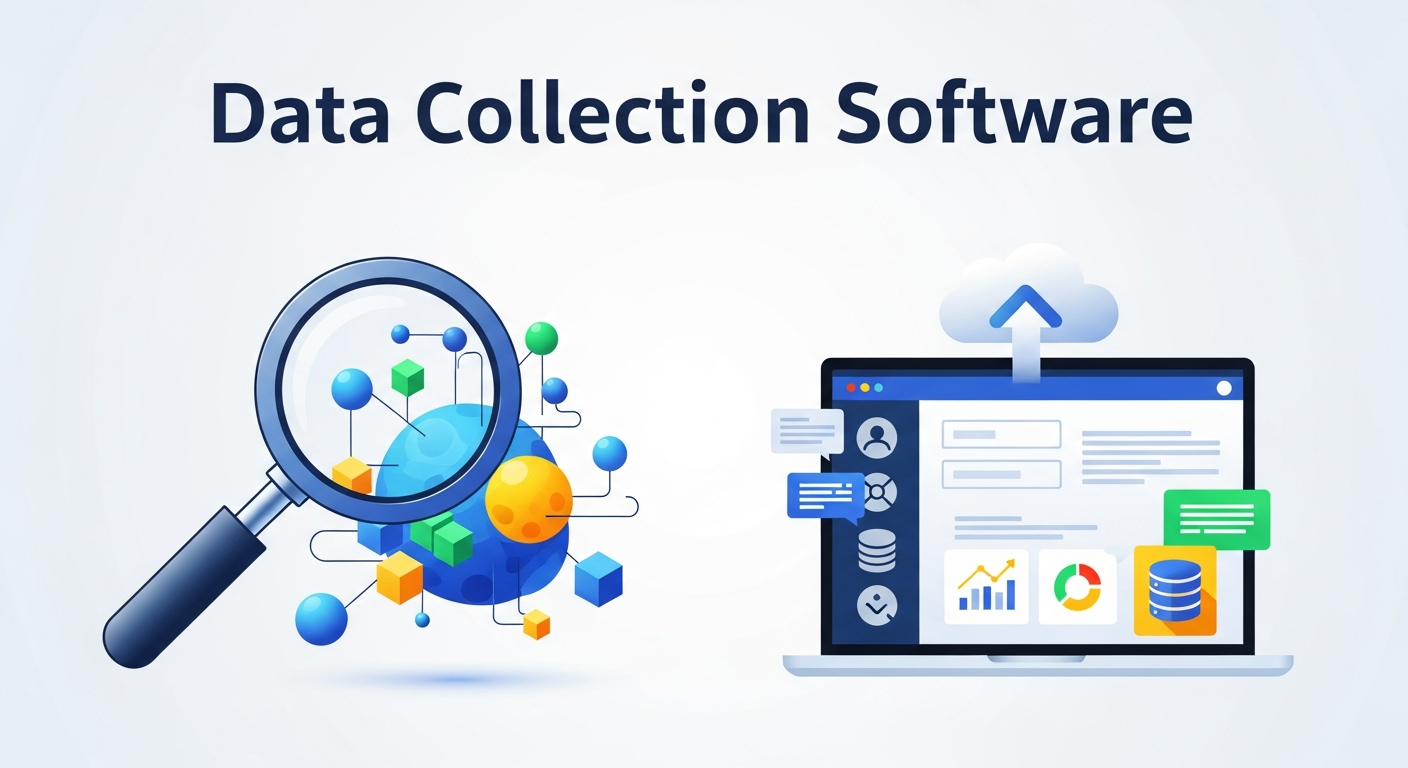
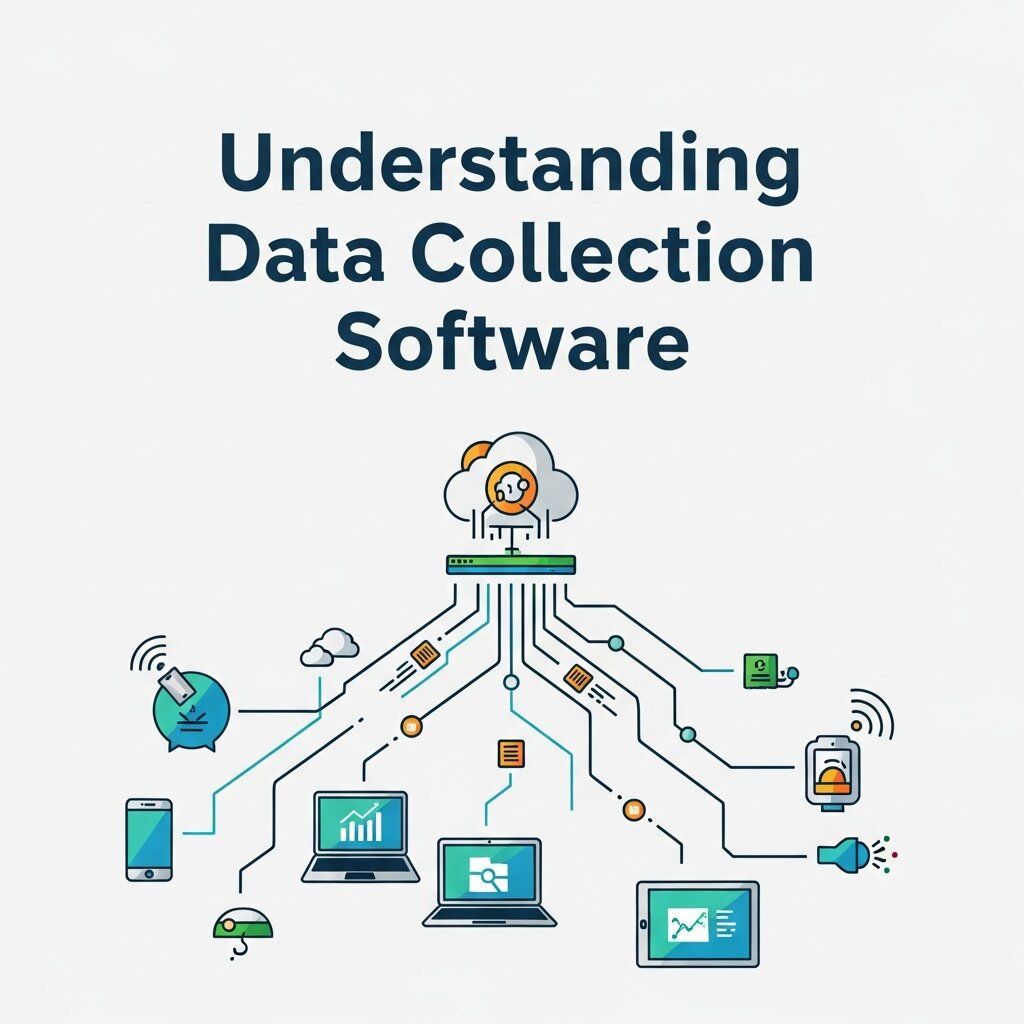 Data collection software is a digital platform designed to gather, store, and manage information from various sources. These tools replace outdated manual processes with digital forms, surveys, and automated workflows. Organizations use these platforms for everything from customer feedback and market research to field data gathering and employee evaluations.
The Shift to Automated Data Collection
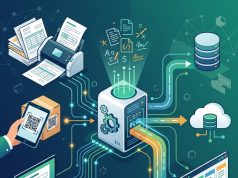
Manually entering information is notoriously error-prone. A simple typo can skew an entire quarterly report. Automated data collection removes this human error factor. By setting up systems that automatically pull information from web forms, digital surveys, or integrated applications, you ensure high accuracy. This automation frees up your staff to focus on analyzing the results rather than endlessly typing numbers into a database.
Key Features to Look For
Before choosing a specific platform, you need to understand which features matter most for your team. Not all software is created equal, and your choice should align with your technical requirements and team capabilities.
Seamless Integrations
Your new software must communicate with the tools you already use. Look for platforms that offer native integrations with your Customer Relationship Management (CRM) systems, email marketing software, and analytics dashboards. This ensures information flows freely across your entire organization without manual transfers.
High-Level Security and Compliance
Protecting user information is non-negotiable. The best data collection software provides robust security features, including end-to-end encryption and role-based access control. If you operate in specific sectors like healthcare or finance, you must verify that the software complies with regulations like HIPAA, GDPR, or CCPA.
Offline Capabilities
For teams conducting field research or working in remote areas, internet access is often unreliable. Offline capabilities allow users to input information directly into their devices without a connection. Once the device reconnects to a network, the software automatically syncs the offline information to the central database.
User-Friendly Interface
A steep learning curve will hinder adoption across your team. Choose a platform with an intuitive, drag-and-drop builder. Your team should be able to create custom forms and launch surveys without needing to write a single line of code.
Top Data Collection Software Solutions
 We have evaluated the market and identified the best tools for gathering and managing information. Here is a breakdown of the top platforms available.
1. Qualtrics CoreXM
Qualtrics is a powerhouse in the research and experience management space. It offers enterprise-grade capabilities for gathering complex information across customer, employee, product, and brand experiences.
Qualtrics excels at predictive intelligence and advanced analytics. It can process massive volumes of feedback and highlight trends automatically. This makes it an ideal choice for large organizations conducting extensive market research or academic studies. The platform also offers robust security protocols, ensuring compliance with strict international data laws.
2. SurveyMonkey Enterprise
SurveyMonkey remains one of the most recognizable names in digital surveys, and its Enterprise tier is a highly capable data collection software. It provides an incredibly intuitive interface that allows users to build and deploy forms in minutes.
The Enterprise version offers advanced logic, branching, and custom branding options. It integrates seamlessly with Salesforce, Marketo, and Microsoft Teams. SurveyMonkey is highly versatile, making it a great option for HR departments gathering employee feedback or marketing teams running customer satisfaction campaigns.
3. Typeform
Typeform revolutionized the digital form industry by focusing entirely on the user experience. Instead of presenting a long, overwhelming list of questions, Typeform displays one question at a time. This conversational approach significantly increases completion rates.
Beyond its beautiful design, Typeform packs serious functionality. It supports conditional logic, payment integrations, and file uploads. If your primary goal is to engage customers and keep them interested throughout the submission process, Typeform is an excellent choice.
4. Zoho Forms
Zoho Forms is a fantastic option for businesses looking for high functionality at a reasonable price point. As part of the extensive Zoho ecosystem, it integrates flawlessly with Zoho CRM and Zoho Analytics, though it also connects well with third-party apps like Google Workspace and Zapier.
This platform is particularly strong for mobile teams. The Zoho Forms mobile app allows for offline data gathering, barcode scanning, and signature collection. This makes it a top contender for field service workers, event managers, and logistics teams.
5. Magpi
Magpi specializes in mobile data collection for field staff. It is widely used by non-governmental organizations (NGOs), healthcare providers, and agricultural researchers working in remote global locations.
The software allows users to build forms on a desktop and deploy them to any mobile device. Magpi’s offline capabilities are top-tier, ensuring that field workers can continue working without a cell signal. It also supports SMS and interactive voice response (IVR) surveys, which is crucial for reaching populations without smartphone access.
6. Jotform
Jotform is a highly flexible form builder that caters to businesses of all sizes. It stands out because of its massive library of pre-built templates, allowing you to get started immediately regardless of your industry.
Jotform offers advanced features like HIPAA compliance, making it a favorite among medical professionals for patient intake forms. It also includes an approval workflow feature, which automates the routing of submitted information to the appropriate managers for review and sign-off.
7. KoboToolbox
KoboToolbox is a suite of tools originally developed for humanitarian organizations. It is open-source and entirely free for public service and research projects.
This software is built for tough environments. It provides reliable offline gathering, GPS location tracking, and the ability to collect photos and videos directly through the forms. For researchers or non-profits working on a tight budget but requiring robust field collection, KoboToolbox is unparalleled.
Maximizing the Impact of Your Software
Selecting the software is only the first step. To truly benefit from automated data collection, you need to implement best practices across your organization.
Start by auditing your current forms and processes. Remove any redundant questions to keep your surveys concise. Long forms lead to survey fatigue, which results in lower response rates and inaccurate answers. Only ask for the information you strictly need.
Next, establish clear protocols for data governance. Define exactly who has access to the collected information and how it will be used. Train your staff thoroughly on the new platform to ensure everyone understands how to build forms, deploy surveys, and pull reports accurately.
Finally, set up automated workflows immediately. Connect your data collection software to your CRM so that every time a new lead fills out a form, a profile is automatically created and a sales representative is notified. This level of automation turns raw information into immediate action.
Data Collection Software for Mobile Workforce
For organizations with teams operating outside traditional office environments, mobile-friendly data collection software is essential. Field agents, delivery teams, and surveyors often work in locations where desktop systems are impractical. Mobile solutions allow users to capture information directly from smartphones or tablets, improving speed and accuracy. Features like offline access, GPS tracking, and photo capture enhance real-time reporting from the field. This ensures that businesses receive up-to-date data without delays. Additionally, mobile apps simplify workflows by enabling instant submissions and automatic syncing once connected to the internet. By equipping field teams with efficient tools, companies can significantly improve operational visibility, reduce paperwork, and ensure consistent data quality across all locations.
Real-Time Data Analytics and Reporting
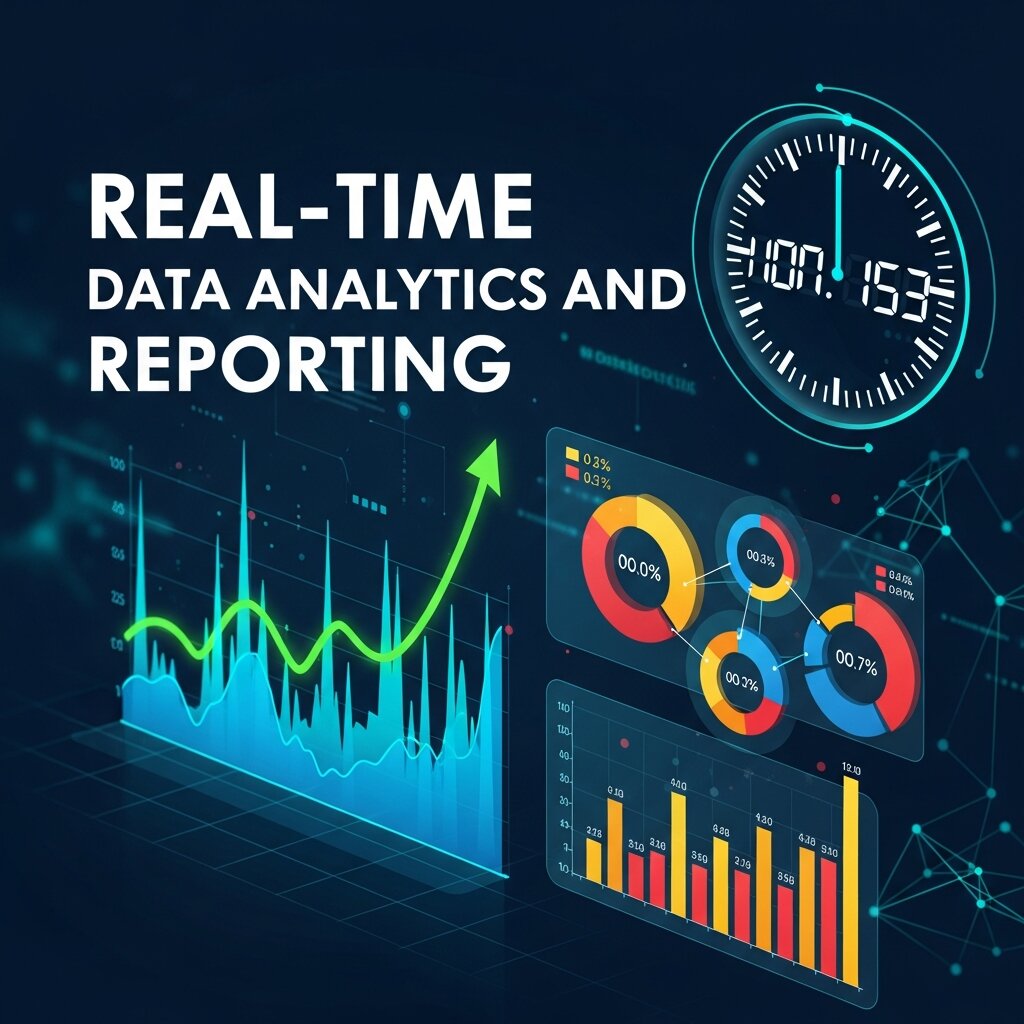 Collecting data is only valuable if it can be transformed into actionable insights. Modern data collection software includes powerful analytics and reporting features that help organizations make informed decisions quickly. Dashboards provide visual representations of data through charts, graphs, and key performance indicators. This allows managers to identify trends, monitor performance, and detect issues instantly. Real-time reporting ensures that businesses are not relying on outdated information when making strategic decisions. Customizable reports also allow teams to focus on metrics that matter most to their objectives. By leveraging these analytical capabilities, organizations can move from reactive decision-making to proactive strategy development, ultimately improving efficiency and long-term performance.
Customization and Scalability Options
Every business has unique data requirements, which is why customization is a critical feature in data collection software. The ability to design forms, workflows, and dashboards tailored to specific needs ensures that the system aligns perfectly with business processes. As organizations grow, their data needs evolve, making scalability equally important. A good platform should allow you to add new users, expand storage, and integrate additional features without disrupting operations. Customizable templates, conditional logic, and role-based permissions help create a flexible system that adapts over time. Investing in scalable software ensures that your solution remains relevant as your business expands, preventing the need for costly migrations in the future.
Data Privacy and Ethical Considerations
As data collection becomes more widespread, organizations must prioritize ethical practices and user privacy. Collecting personal or sensitive information comes with the responsibility to handle it transparently and securely. Businesses should clearly communicate how data will be used and obtain proper consent from users. Compliance with global regulations such as GDPR or CCPA is essential to avoid legal issues and maintain trust. Additionally, companies should implement strict access controls to ensure only authorized personnel can view sensitive data. Ethical data handling not only protects users but also strengthens a company’s reputation. By prioritizing privacy and transparency, organizations can build long-term relationships with customers while maintaining compliance and accountability.
Frequently Asked Questions
1. What is data collection software?
Data collection software is a digital tool that helps businesses gather, store, and organize information from various sources such as online forms, surveys, mobile apps, and integrated systems. It replaces manual processes like paper forms and spreadsheets, making data collection faster, more accurate, and easier to manage.
2. Why should businesses use data collection software?
Businesses use data collection software to improve efficiency, reduce human error, and gain real-time insights. It helps automate workflows, increases response rates, and ensures that collected data is secure and well-organized for better decision-making.
3. What features should I look for in data collection software?
Key features include easy form building, data security, integrations with other tools, offline data collection, automation capabilities, and real-time analytics. A user-friendly interface is also important to ensure smooth adoption by your team.
4. Is data collection software suitable for small businesses?
Yes, many platforms offer affordable plans and scalable features tailored for small businesses. Tools like Jotform or Zoho Forms are particularly popular because they provide strong functionality without high costs.
5. Can data collection software work offline?
Yes, many modern tools support offline data collection. Users can input data without an internet connection, and the system will automatically sync the information once the device reconnects.
6. How secure is data collection software?
Most reputable platforms offer strong security features such as encryption, access control, and compliance with regulations like GDPR or HIPAA. However, the level of security depends on the provider and plan you choose.
7. What industries use data collection software?
Data collection software is used across many industries including healthcare, education, marketing, research, logistics, and non-profit organizations. Any organization that relies on data can benefit from these tools.
8. Can I integrate data collection software with other tools?
Yes, most platforms support integrations with CRM systems, email marketing tools, analytics software, and cloud storage services. This helps automate workflows and ensures seamless data transfer across systems.
9. How does automated data collection improve accuracy?
Automation removes the need for manual data entry, reducing the risk of human errors like typos or duplicate entries. It ensures consistent data formatting and real-time updates.
10. Is it difficult to switch to a new data collection platform?
Not usually. Most modern platforms allow easy data import from spreadsheets or previous systems. With proper planning and team training, the transition can be smooth and highly beneficial.
Making the Right Choice for Your Data Needs
Transitioning to automated data collection is a necessary step for any organization that wants to remain competitive. By eliminating manual entry, you reduce errors, save hours of administrative work, and ensure your team has access to accurate insights in real time.
Review your specific operational needs, consider your budget, and take advantage of the free trials offered by these platforms. Once you implement the right data collection software, you will unlock a new level of efficiency and clarity for your business.