Organizations generate massive amounts of information every single hour. Managing this flow manually often leads to bottlenecks, human error, and delayed decision-making. Employees spend countless hours entering numbers into spreadsheets instead of focusing on strategic tasks that actually drive growth.
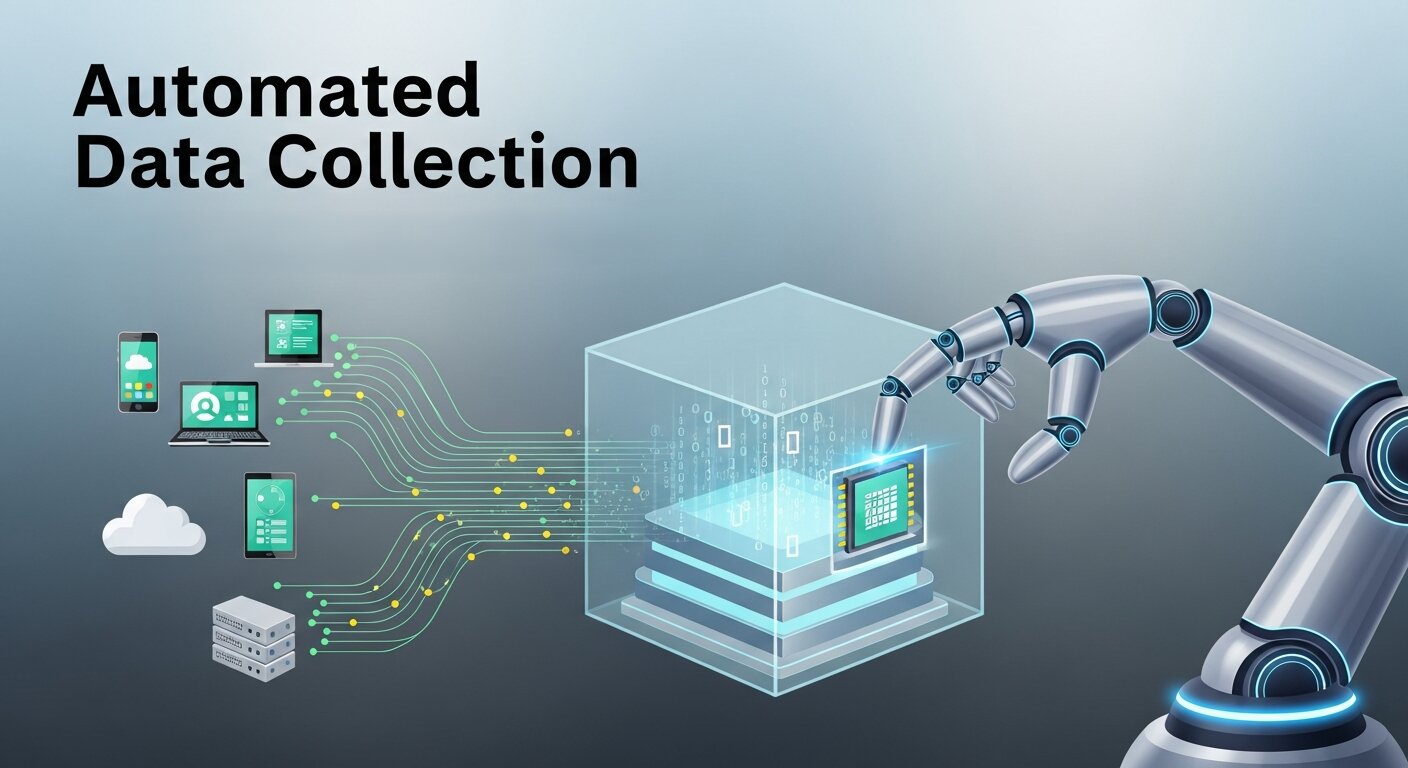
Automated data collection solves this problem by capturing, organizing, and storing information without constant human intervention. Systems connect directly to web platforms, physical sensors, or internal databases to pull details in real time. This shift allows leadership teams to view accurate dashboards and make informed choices instantly.
Adopting this technology requires a solid understanding of the available tools and methodologies. By upgrading your systems, you empower your entire workforce to focus on high-level analysis and creative problem-solving. This guide explores the essential components of automation, from selecting the right software to understanding the broader impact of data science on your company’s future.
Designing the Perfect Data Collection Form
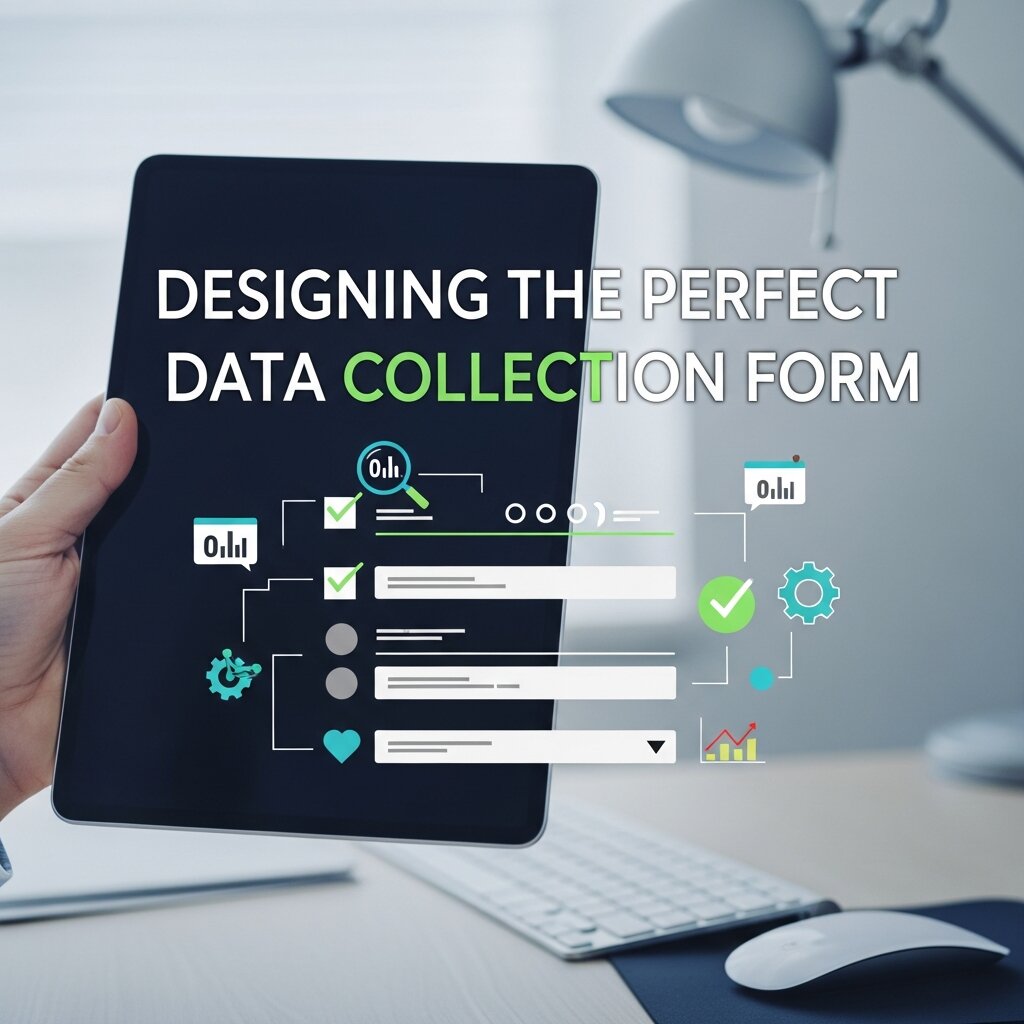 Every data pipeline starts with a point of entry. A data collection form serves as the digital gateway where information first enters your automated system. When designed correctly, these forms ensure high completion rates and capture clean, structured information that requires minimal cleaning later on.
User experience plays a major role in form design. Dropdown menus, radio buttons, and conditional logic guide users smoothly through the questions. Conditional logic, for example, hides irrelevant questions based on previous answers. This keeps the form concise and respects the respondent’s time.
Integration is another critical factor. Modern forms connect directly to your customer relationship management (CRM) software or main database. When a user hits submit, the system instantly routes the information to the correct folder, triggers welcome emails, or updates inventory counts without any manual copy-pasting. Read more about this topic: Best Practices for Building a Data Collection Form
Selecting the Best Data Collection Software
Transitioning to an automated framework means investing in dedicated data collection software. The market offers hundreds of platforms, each promising to streamline your workflow. Identifying the right fit requires looking closely at your specific operational needs and technical capabilities.
Security should remain a top priority. Your chosen software must comply with industry standards like GDPR or HIPAA, depending on your sector. Look for platforms offering end-to-end encryption, regular security audits, and strict access controls. Protecting your customers’ privacy is non-negotiable and builds long-term trust.
Scalability also matters. A platform might work perfectly for a small team of ten, but struggle when you expand to a hundred employees. Evaluate how the software handles high traffic volumes and large storage demands. Flexible API access allows developers to build custom connections between the software and other tools in your tech stack, ensuring smooth operations as your company grows.
Using a Data Collection App in the Field
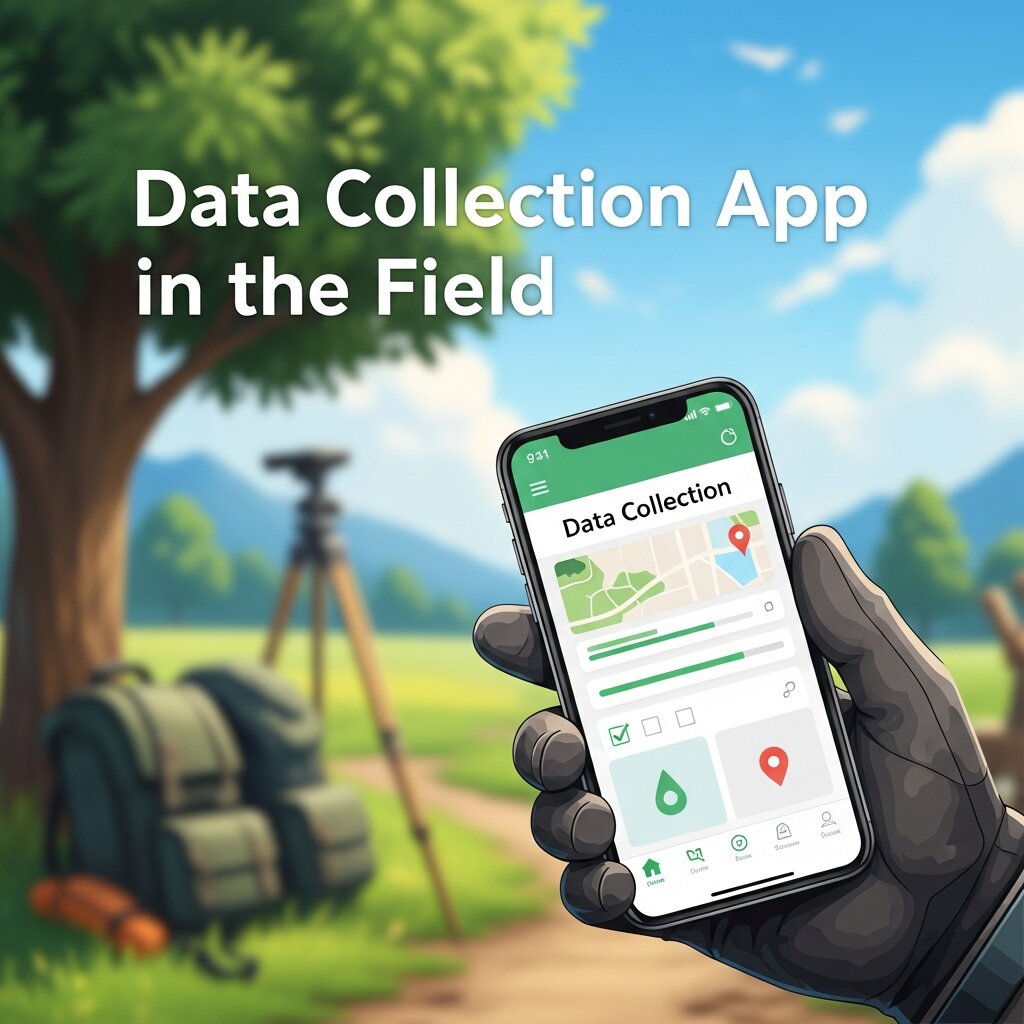 Many businesses operate outside a traditional office setting. Construction crews, field researchers, and delivery drivers need tools that work on the go. A dedicated data collection app brings the power of automation directly to mobile devices, tablets, and smartphones.
Offline capabilities are essential for mobile applications. Workers often find themselves in remote areas with poor cellular reception. A robust app allows users to input information, take photos, and scan barcodes without an internet connection. Once the device reconnects to a network, the app automatically syncs all stored files to the central server.
Hardware integration enhances the utility of these mobile tools. Apps can utilize the device’s GPS to log exact locations, the camera to capture visual evidence, and the microphone for voice-to-text dictation. These features drastically reduce the time spent typing on small screens and provide richer context for the incoming information.
Bridging Data Collection and Analysis
Gathering numbers is only the first step. The real value emerges when you connect raw inputs to actionable insights. Bridging data collection and analysis requires a seamless flow of information from the point of entry to your analytical dashboards.
Automation tools excel at preparing information for review. They can instantly format dates, standardize currency symbols, and flag missing values. This automatic cleaning process ensures that your analytical models process high-quality inputs, leading to highly accurate forecasts and reports.
Once the information is clean, automated pipelines feed it directly into visualization platforms like Tableau or Power BI. Decision-makers can watch charts update in real time as new submissions arrive. This immediate feedback loop allows companies to respond rapidly to changing market conditions, supply chain disruptions, or sudden spikes in customer demand.
Exploring Top Data Collection Programs
Different departments often require specialized tools to handle their specific workflows. Exploring various data collection programs helps you build a comprehensive technology ecosystem that supports every function of your business, from human resources to marketing.
Marketing teams frequently rely on web scraping programs to monitor competitors and track pricing changes across the internet. These programs automatically crawl target websites at scheduled intervals, pulling text and images into a structured database. This allows marketers to adjust their campaigns based on the most current industry movements.
Human resources departments use survey programs to measure employee satisfaction and gather performance reviews. These tools automate the distribution of questionnaires, send reminders to non-respondents, and compile the final results into easy-to-read summaries. By removing the administrative burden, HR professionals can spend more time developing training initiatives and improving workplace culture.
Finding Tailored Data Collection Solutions
 Off-the-shelf software doesn’t always meet the complex needs of large organizations. Sometimes, you need tailored data collection solutions designed specifically for your unique operational structure. Custom solutions integrate deeply with legacy systems and address highly specific industry requirements.
Healthcare providers, for instance, need solutions that handle electronic health records with extreme care. Custom-built platforms can automatically extract patient histories from laboratory results and securely update the central registry. This reduces administrative overhead for doctors and nurses, allowing them to dedicate more time to patient care.
Manufacturing plants often implement custom solutions linked to IoT (Internet of Things) sensors on the factory floor. These sensors automatically track machine temperature, vibration, and output speed. The custom system aggregates this telemetry, triggering maintenance alerts before a machine actually breaks down. This predictive approach saves thousands of dollars in potential downtime.
The Value of a Data Science Minor
As automation becomes standard practice, the demand for professionals who understand how to manage these systems continues to rise. Earning a data science minor provides a strong foundational knowledge of statistics, programming, and database management without requiring a full degree change.
Students learn how to write basic SQL queries, build simple machine learning models in Python, and understand the mathematical principles behind algorithms. This technical literacy proves invaluable in almost any career path. A marketing manager with a strong analytical background can independently verify campaign metrics, while a financial analyst can build their own automated reporting scripts.
The minor also cultivates a critical mindset. You learn to question the source of the numbers, identify potential biases in the collection methods, and recognize the limitations of different analytical models. This level of critical thinking prevents companies from making poor decisions based on flawed or misunderstood information.
Applying Data Science for Business Success
The ultimate goal of all these automated pipelines and software investments is to drive tangible results. Applying data science for business involves transforming your automated insights into strategic actions that increase revenue, reduce costs, or improve customer satisfaction.
Customer segmentation is a prime example. Algorithms can group your buyers based on purchasing habits, geographic location, and website interactions. Marketing teams can then launch highly targeted email campaigns tailored to each specific segment, drastically improving conversion rates compared to generic blasts.
Inventory optimization also benefits heavily from these analytical models. By feeding historical sales information and external factors like weather forecasts into a predictive model, retailers can accurately forecast future demand. This ensures stores carry enough stock to meet customer needs while avoiding the costs associated with overstocking perishable goods.
Data Governance and Quality Control
Automating data collection is only effective when the data remains accurate, consistent, and trustworthy. Without proper governance, even the most advanced systems can produce misleading insights. Establishing clear data standards ensures that information collected from different sources follows a uniform structure. This includes defining naming conventions, validation rules, and acceptable formats for entries.
Quality control mechanisms should also be built into your automated workflows. These systems can flag duplicate entries, missing values, or unusual patterns in real time. Regular audits help maintain long-term accuracy and reliability. By combining automation with strong governance policies, organizations can ensure their data remains clean, compliant, and ready for meaningful analysis.
Real-Time Data Monitoring and Alerts
One of the biggest advantages of automated data collection is the ability to monitor operations in real time. Instead of waiting for weekly reports, businesses can track performance metrics as they happen. This immediate visibility allows teams to respond quickly to emerging issues or opportunities.
Automated alert systems take this capability even further. You can set thresholds for key metrics such as sales drops, system errors, or inventory shortages. When a threshold is crossed, the system instantly notifies the relevant team members via email or mobile alerts. This proactive approach minimizes risks and reduces downtime. Real-time monitoring ensures your organization stays agile, responsive, and always informed about critical changes.
Integrating Automation with Business Workflows
Automated data collection becomes truly powerful when it integrates seamlessly with your existing business processes. Instead of operating as a standalone system, it should connect with tools like CRM platforms, accounting software, and project management systems. This integration ensures that data flows effortlessly across departments without manual intervention.
For example, a new customer entry can automatically trigger onboarding emails, update sales dashboards, and assign tasks to team members. This reduces delays and eliminates repetitive work. Workflow automation also improves collaboration, as every department works with the same up-to-date information. By aligning data collection with daily operations, businesses can create a more efficient, connected, and scalable workflow environment.
Frequently Asked Questions (FAQ)
1. What is automated data collection?
Automated data collection is the process of gathering, organizing, and storing information using software or systems without manual input. It connects directly to sources like websites, apps, sensors, or databases to collect data in real time.
2. Why is automated data collection important for businesses?
It improves efficiency, reduces human error, and provides real-time insights. Businesses can make faster, data-driven decisions while saving time and operational costs.
3. What types of data can be collected automatically?
Organizations can collect various types of data, including customer information, website analytics, sales data, sensor readings, survey responses, and operational metrics.
4. How do data collection forms support automation?
Well-designed forms capture structured data and integrate with other systems like CRMs or databases. This ensures information flows automatically without the need for manual entry or processing.
5. What features should I look for in data collection software?
Key features include security (encryption and compliance), scalability, integration capabilities, user-friendly interfaces, real-time syncing, and API support for customization.
6. Can automated data collection work offline?
Yes, many mobile data collection apps allow offline data entry. The data is stored locally and automatically synced with the central system once an internet connection is available.
7. Is automated data collection secure?
Most modern tools offer strong security features such as encryption, access controls, and compliance with regulations like GDPR or HIPAA. However, choosing a trusted platform is essential.
8. How does automated data collection connect with data analysis?
Collected data is automatically cleaned, formatted, and sent to analytics tools like dashboards or reporting systems. This allows businesses to gain insights and make decisions quickly.
9. Do small businesses need automated data collection systems?
Yes, even small businesses benefit by saving time, improving accuracy, and scaling operations efficiently without hiring large teams for manual data entry.
10. What are the challenges of implementing automated data collection?
Common challenges include initial setup costs, integration with existing systems, employee training, and ensuring data accuracy. Proper planning and training can overcome these issues.
Making the Switch to Automated Systems
Transitioning from manual entry to an automated framework requires careful planning and a willingness to adapt. Start by identifying the most repetitive, time-consuming tasks within your organization. Implement automated tools for these specific workflows first, allowing your team to experience the immediate benefits and build confidence in the new technology.
Invest time in training your employees. Even the most intuitive software requires a learning curve. Provide comprehensive tutorials, assign internal champions to answer questions, and encourage feedback to refine the process. When your workforce feels supported, they will embrace the transition and find new, innovative ways to leverage the automated systems.